 SnaggyBuy for Mac
Snaggy for iPhone.
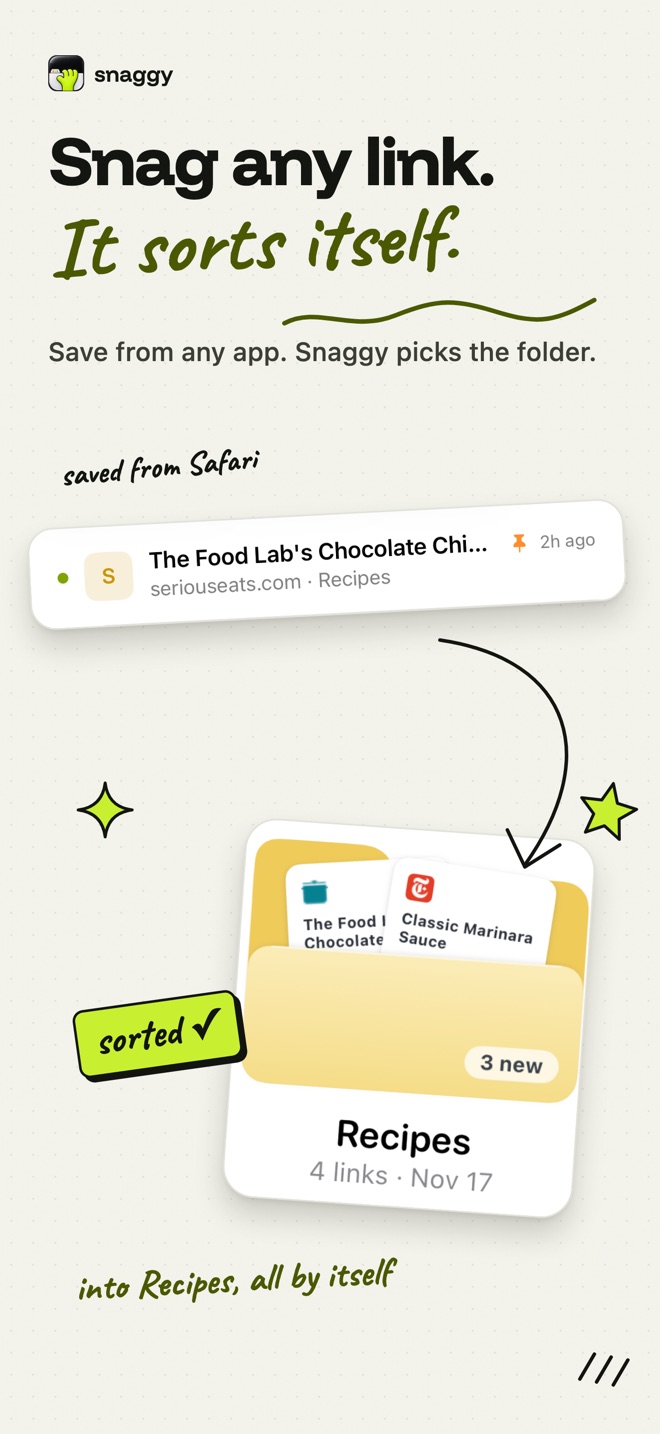
Tap Share in Safari, pick Snaggy, done. The link is saved and sorted into the right folder, and it's waiting on your iPhone and your Mac when you have time to read.
Free for everyone who owns Snaggy for Mac. No subscription, no second purchase, no account.

See it on iPhone
What you can do on your iPhone
Share from Safari, YouTube, X, Reddit, Mail or anything else. Saved in a second, with its title and picture.
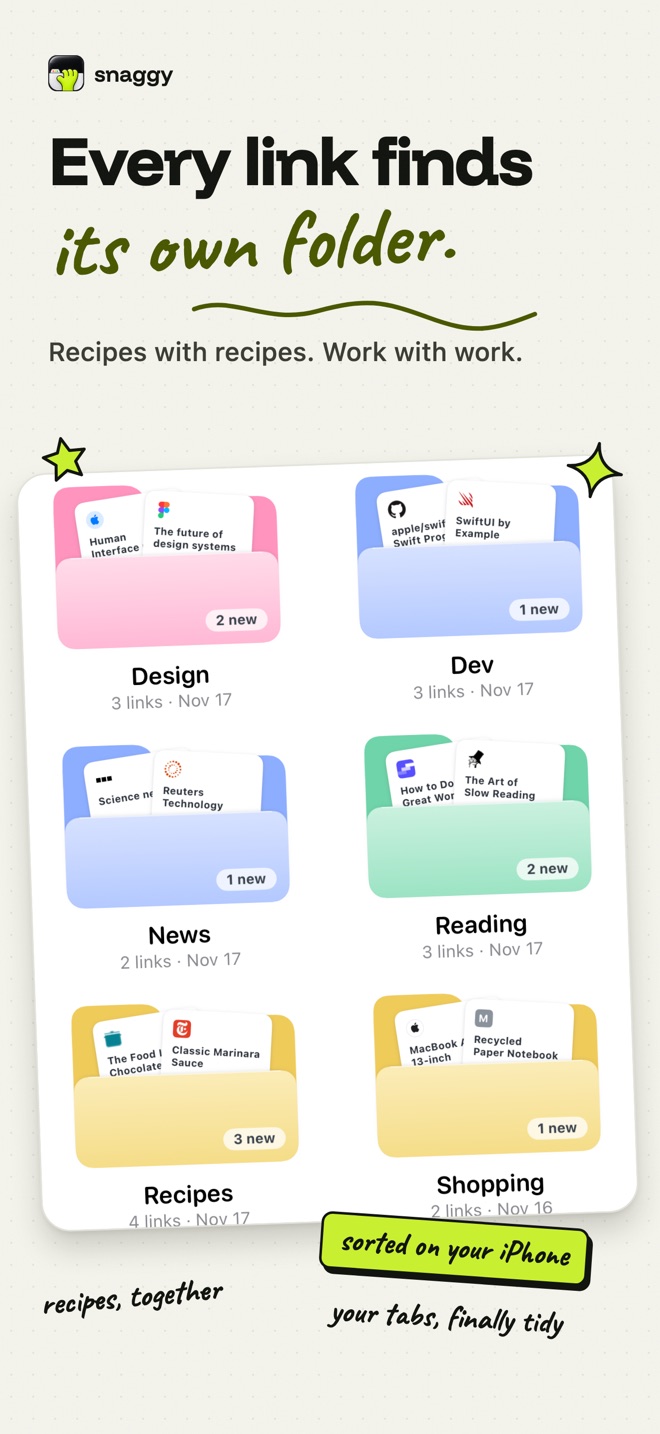
Snaggy reads what you saved and sorts it into one of your folders, right on your iPhone. Move one, and it learns.
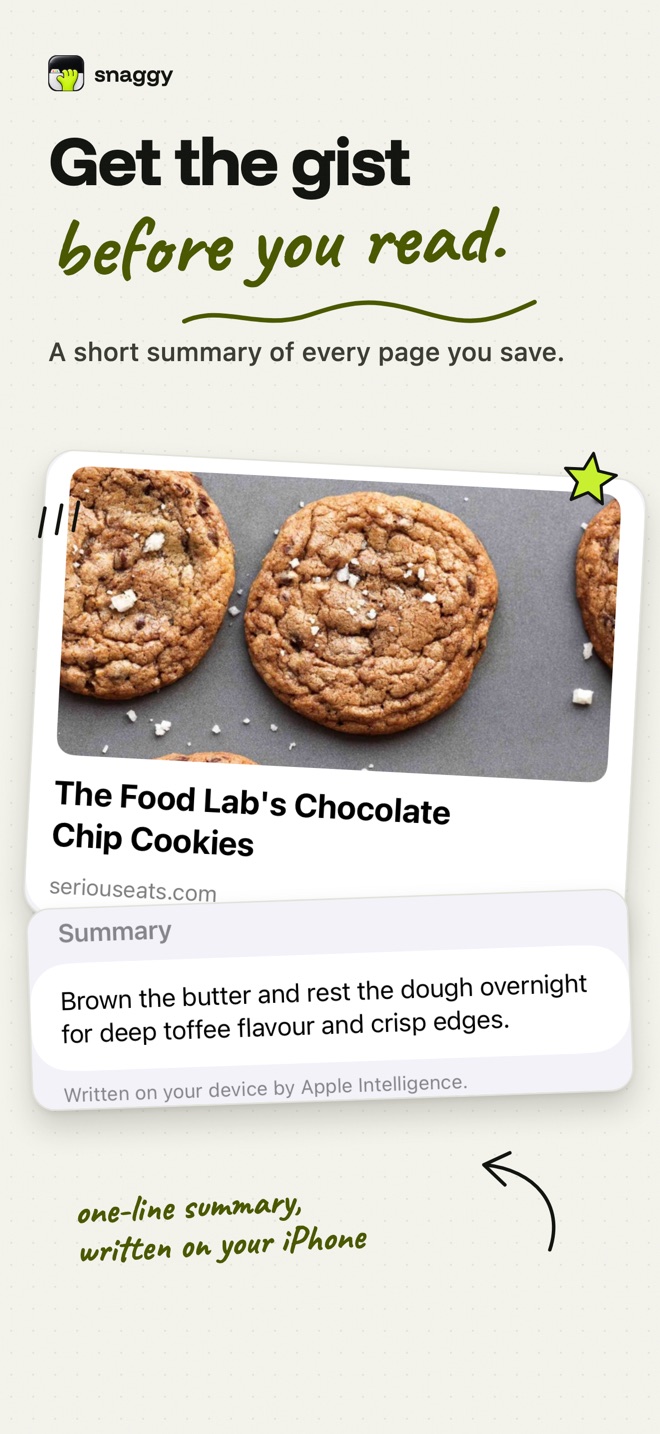
A short summary of every page, written on your device, so you know what's worth opening.
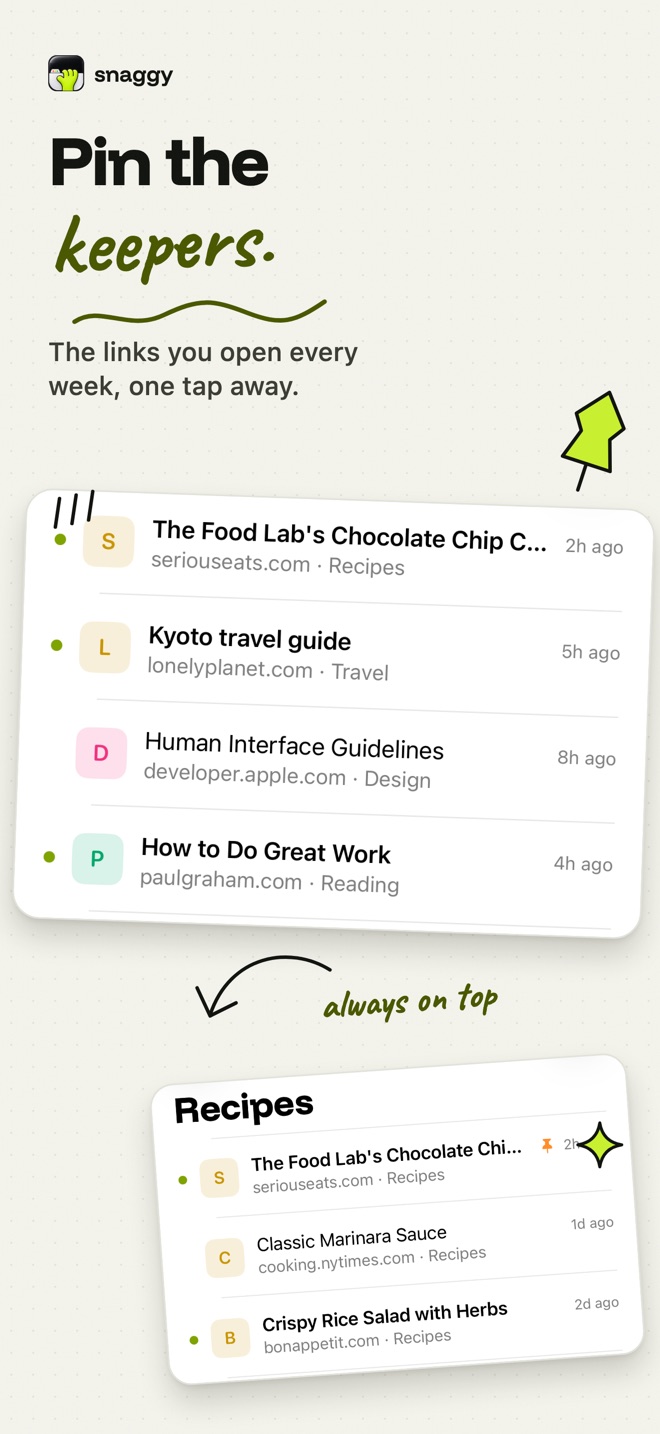
Open any page in Reader for clean, distraction-free text. Pin the ones you come back to.
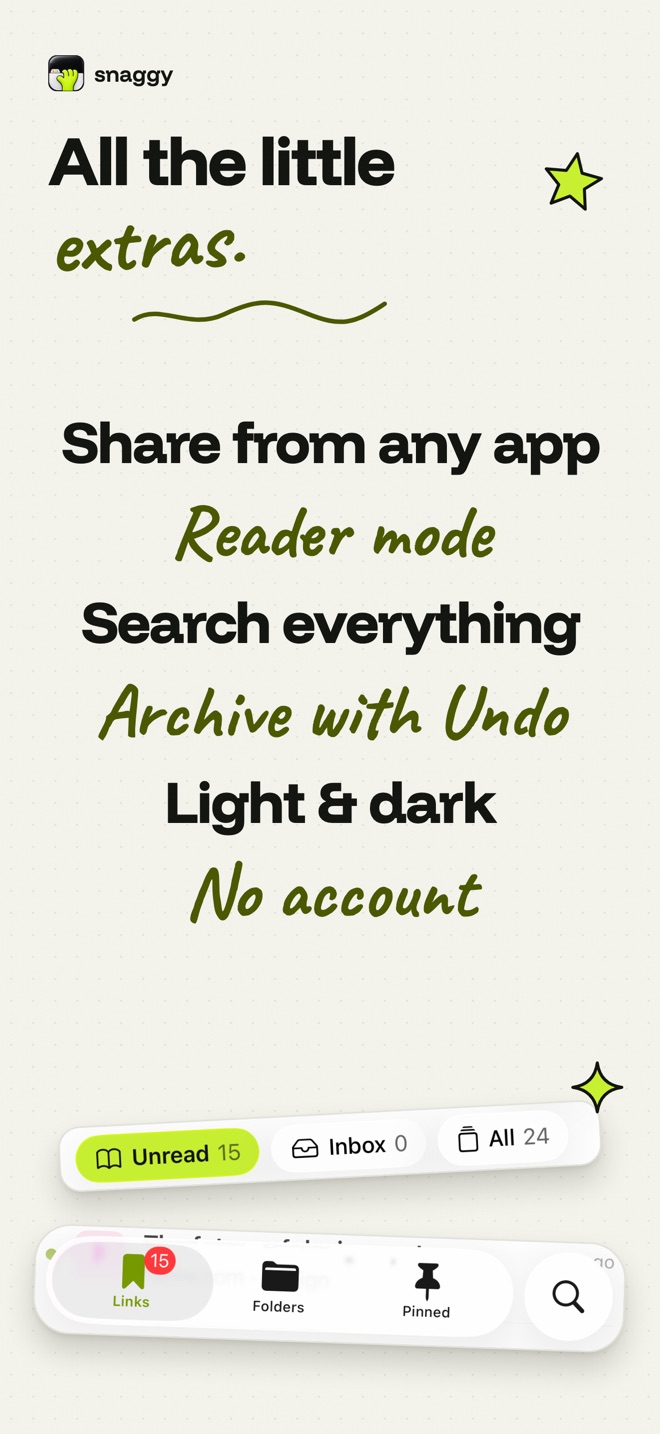
Search every link you've ever saved, by title or site. Archive what you've finished, with Undo.
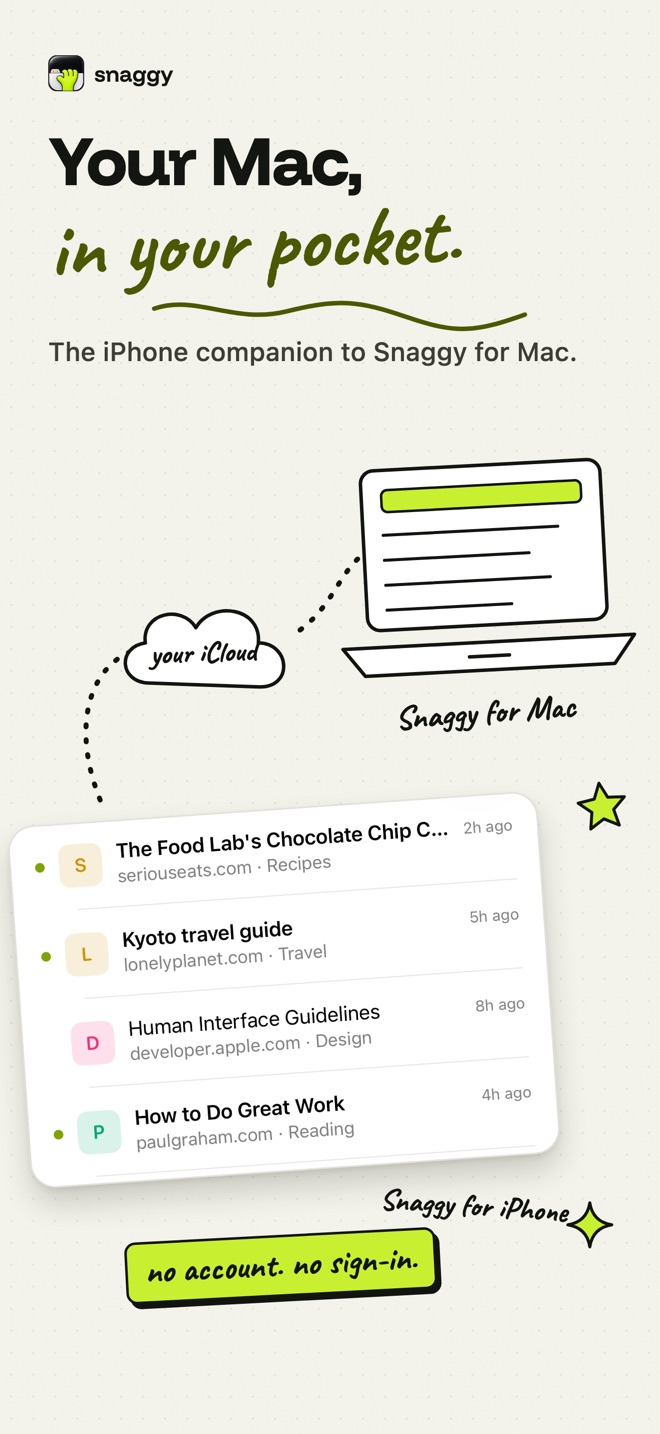
Save on one, it shows up on the other through your own iCloud. No sign-up, no server in the middle.
Free with Snaggy for Mac
Snaggy for iPhone is free for every Snaggy for Mac owner, forever. No subscription, no second purchase, no account.
- Turn on syncOn your Mac, open Snaggy › Settings › Data and turn on Sync with iCloud.
- Get the appDownload Snaggy on an iPhone signed in to the same Apple Account.
- Open itYour library shows up in about a minute.